

Our CRN team is looking forward to welcoming you to CONVERGENCE ‘26 with SciComms Connect and Innovation Exchange at the Westin Carlsbad Resort & Spa this October.
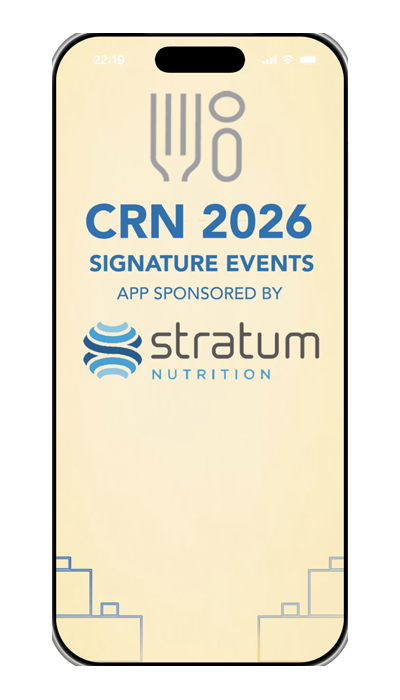 CRN is offering a mobile app, sponsored by Stratum Nutrition, to enhance our 2026 Signature Event attendee experience.
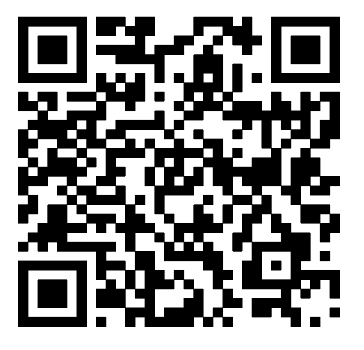
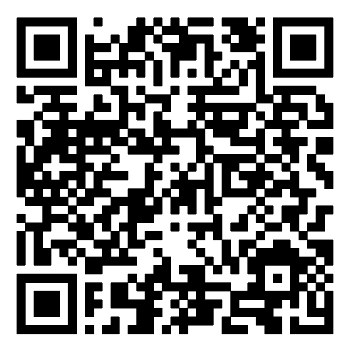
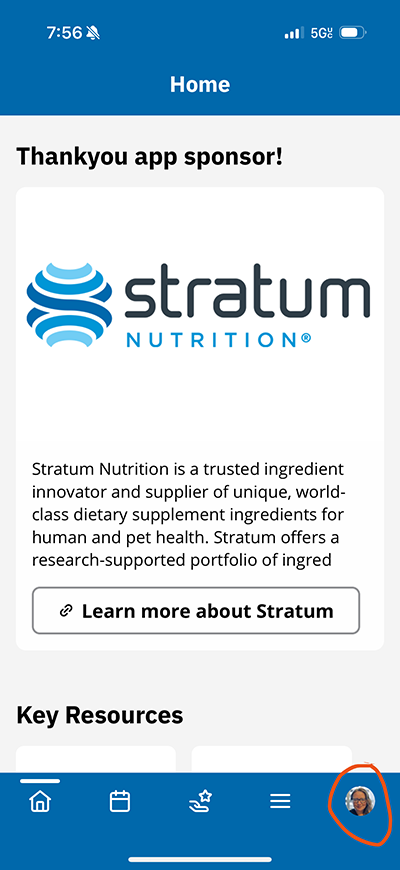
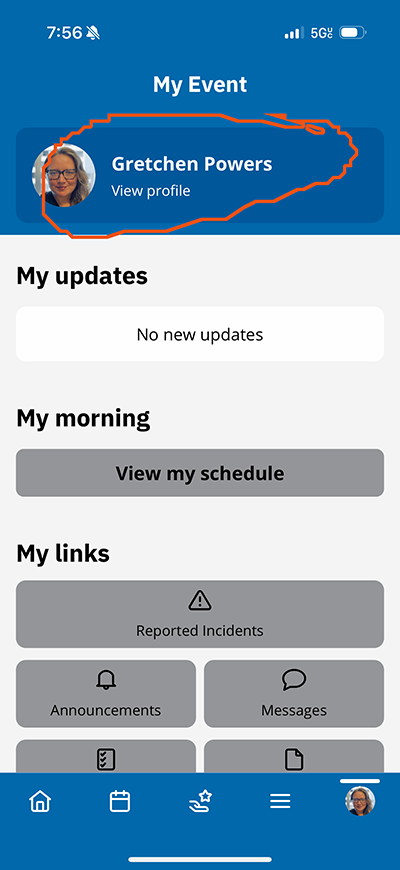
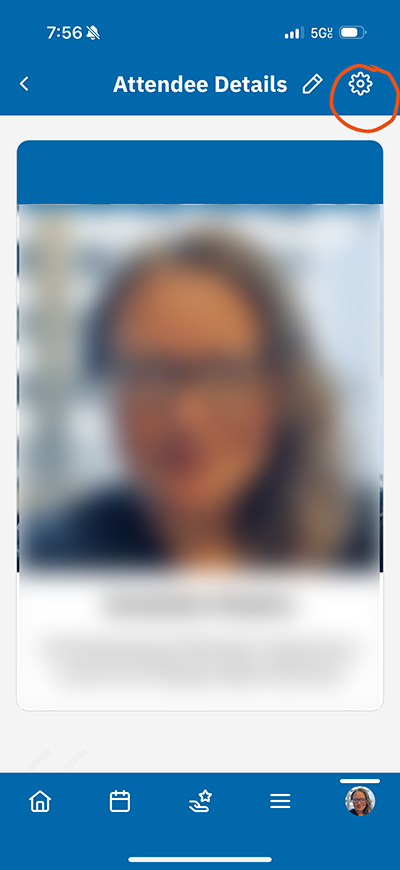
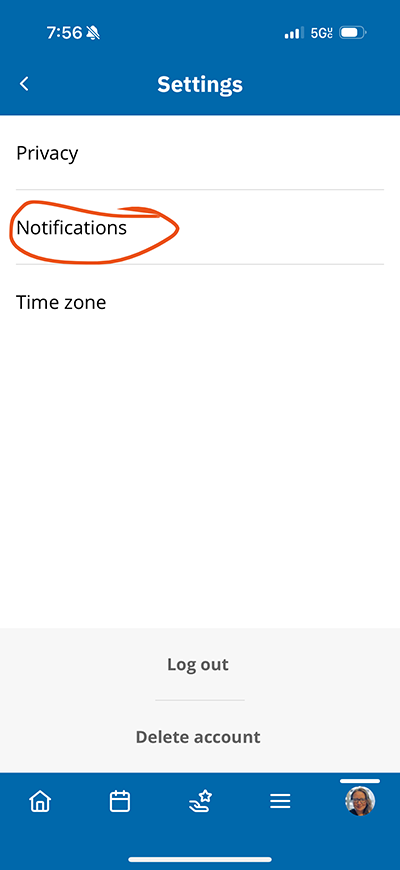
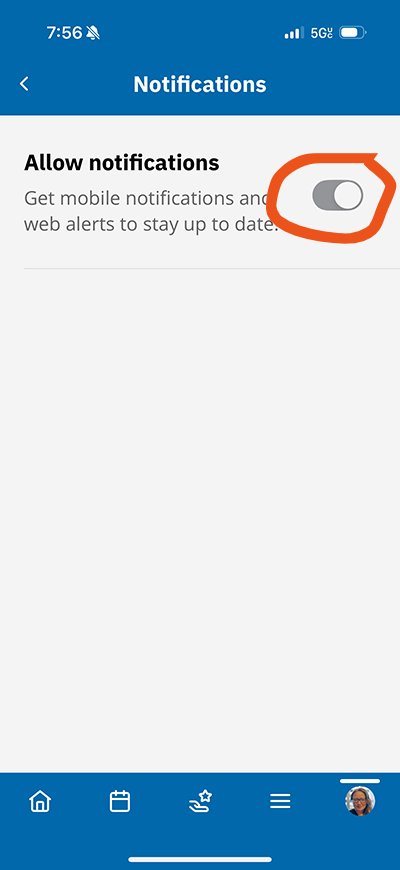
Download the app here, and be sure to allow notifications from the app via your phone settings as well as within the app itself, through your profile:
IMPORTANT
Be sure to allow notifications from the app via your phone settings as well as within the app itself, through your profile. Learn more...
ENHANCE YOUR EVENT EXPERIENCE
- Power up your networking. Set up your profile, see who else is attending, and make plans to meet up on-site with other attendees.
- The app also provides information on speakers and Innovation Exchange presenters as well as event sponsors.
- Get on-site updates and alerts in the palm of your hand.
Simply use the email you signed up with and follow the prompts to log in.
QUESTIONS?
Please contact Gretchen Powers (gpowers@crnusa.org).
SPECIAL THANKS TO OUR APP SPONSOR:
QUESTIONS?
Please contact Gretchen Powers (gpowers@crnusa.org).